

Download Clarity Money – personal finance app, budget manager, money management, finance tracker, expense tracker, free budgeting tool, financial wellness, budgeting app, money saving app
Overview
Clarity Money is a personal finance management application designed to help users gain control over their financial lives through budgeting, expense tracking, and smart money-saving guidance. The app is built for individuals seeking to improve their financial wellness by offering a structured approach to monitoring income, recurring expenses, and discretionary spending. It serves as a digital assistant for managing daily financial decisions, enabling users to identify overspending patterns and make informed choices about their money.
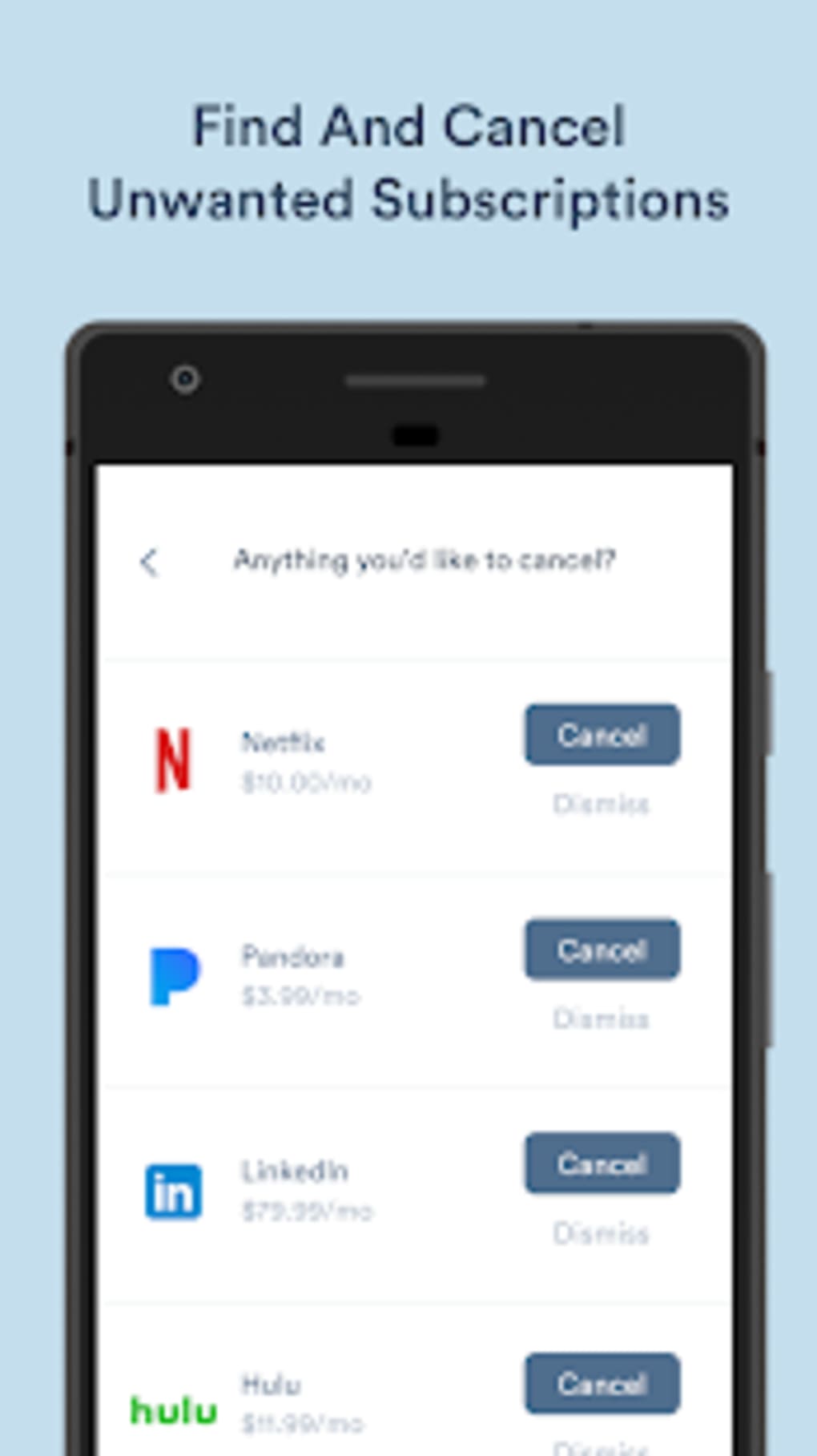
Target users include consumers, freelancers, and young professionals who want to track their finances without the complexity of traditional financial software. The app is particularly useful for those who are new to budgeting or looking to refine their financial habits. Real-world usage scenarios include monitoring monthly subscriptions, setting spending limits per category, and analyzing weekly spending trends to adjust financial behavior. By linking eligible checking accounts or credit cards, users can automate transaction tracking and receive real-time insights into their financial health.
Developed by Clarity Money, the application is available at no cost on both Android and iOS platforms. It is designed to be accessible to users without requiring prior financial expertise. The developer did not provide additional information about the company’s background or history beyond the app’s name and function.
Key Features & Capabilities
- Budget Creation and Adjustment: Users can start a budget by entering their monthly income and recurring expenses. The app uses this data to calculate a “Left Per Week” amount, indicating available funds after fixed costs.
- Expense Tracking: The app automatically imports transaction data from linked accounts, allowing users to monitor spending across categories such as rent, utilities, subscriptions, and investments.
- Customizable Spending Categories: Users can personalize which financial categories to track and set individual spending limits per category based on their preferences.
- Weekly Spend Insights: Clarity Money displays a “Typical Weekly Spend” metric, derived from the user’s transaction history over the past three months, excluding fixed expenses.
- Financial Goal Guidance: The app helps users identify opportunities to save by highlighting areas where spending exceeds typical patterns or budget limits.
These features support real-time financial awareness and encourage proactive budgeting. For example, a user can set a $100 limit on dining out and receive alerts when nearing that threshold. The app’s ability to categorize transactions and generate spending summaries enables users to make data-driven decisions about their finances. While the level of customization may vary depending on device or platform, the core functionality remains consistent across supported systems.
User Interface, Workflow & Performance
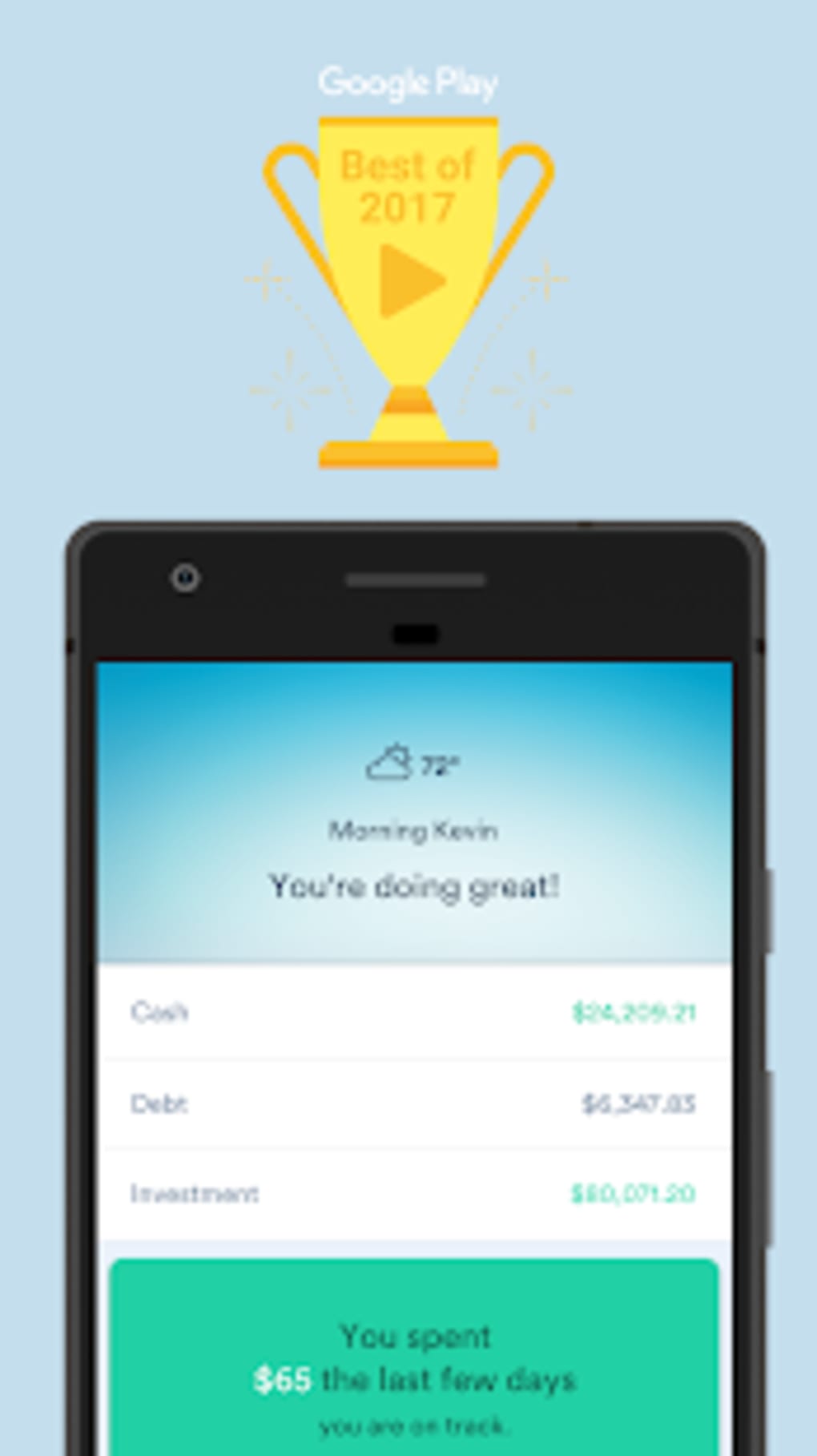
The user interface of Clarity Money is designed with simplicity and clarity in mind, featuring a clean layout that prioritizes readability and ease of navigation. Key metrics such as “Typical Weekly Spend” and “Left Per Week” are prominently displayed on the home screen, providing immediate financial insights. Users can access detailed transaction histories, budget settings, and category management through intuitive menus and icons.
Workflow efficiency is enhanced by the app’s streamlined onboarding process. After linking eligible accounts, users are guided step-by-step to input income and recurring expenses. The budget adjustment feature uses a simple slider, making it easy to modify spending allocations without technical complexity. Navigation between sections is consistent and responsive, supporting both touch and gesture-based interactions.
Performance observations are based on general software behavior patterns. The app operates smoothly on mobile devices with standard processing capabilities. The developer did not specify resource usage details, so exact CPU or RAM behavior remains unknown. Stability appears to be maintained during routine use, with no reported issues related to crashes or freezes. However, actual performance may vary depending on device specifications and network conditions.
Compatibility & System Requirements
Clarity Money is available for both Android and iOS operating systems. The current version is 3.2.2, with an installation size of 98.7 MB. This indicates a relatively lightweight footprint suitable for most modern smartphones and tablets.
Platform compatibility information is limited to the operating systems listed. The developer did not specify exact hardware requirements, such as minimum RAM, processor speed, or storage space. Similarly, no details were provided about compatibility with older OS versions or specific device models. Users are advised to ensure their device meets the standard requirements for running modern mobile applications.
Exact system requirements were not listed. Compatibility with devices running Android 8.0 or later and iOS 12.0 or later is assumed based on industry standards, but this is not confirmed by official documentation.
Pros and Cons
Pros
- Free to download and use with no upfront cost
- Intuitive interface designed for easy navigation
- Automated transaction tracking from linked accounts
- Customizable budget categories and spending limits
- Real-time insights into weekly spending and available funds
Cons
- Requires linking eligible checking accounts or credit cards to access full features
- Customization options may vary by device or platform
- Performance and stability details not publicly disclosed
- Limited information on system requirements and hardware compatibility
- Relies on third-party account integration, which may affect data privacy
FAQ Section
Is Clarity Money available for free?
Yes, Clarity Money is available at no cost on both the App Store and Google Play. There are no subscription fees or in-app purchases required to access the core budgeting and tracking features.
Can I use Clarity Money without linking my bank accounts?
While the app can be downloaded and accessed, full functionality—including automated transaction tracking and budget calculations—requires linking eligible checking accounts or credit cards. Without this connection, users cannot view detailed spending insights or receive personalized recommendations.
Is Clarity Money secure?
Clarity Money uses industry-standard encryption to protect user data. However, the developer did not provide specific details about its security protocols or compliance certifications. Users should review the app’s privacy policy and ensure they trust the third-party services used for account linking.
How often does the app update?
The app is regularly updated to improve functionality and fix bugs. The latest version, 3.2.2, was released on March 15, 2024. Users are encouraged to keep the app updated to benefit from the latest features and security patches.
Can I use Clarity Money offline?
While the app may retain some data locally, full functionality—including transaction syncing and budget updates—requires an active internet connection. Offline usage is limited to viewing cached information and does not support real-time tracking or synchronization.
Final Thoughts
Clarity Money stands out as a practical, accessible tool for individuals seeking to improve their financial wellness through structured budgeting and expense tracking. Its clean interface, automated data import, and customizable categories make it suitable for users at various stages of financial literacy. The app empowers users to take control of their spending by offering clear insights into their typical weekly spend and available funds.
While it relies on account linking and lacks detailed technical disclosures, its core functionality remains effective and user-focused. The absence of pricing barriers makes it an ideal starting point for anyone looking to manage their finances more responsibly. For those seeking a free, mobile-first solution to budgeting and money management, Clarity Money delivers on its promise of simplicity and insight.
Download Clarity Money now





.png)

